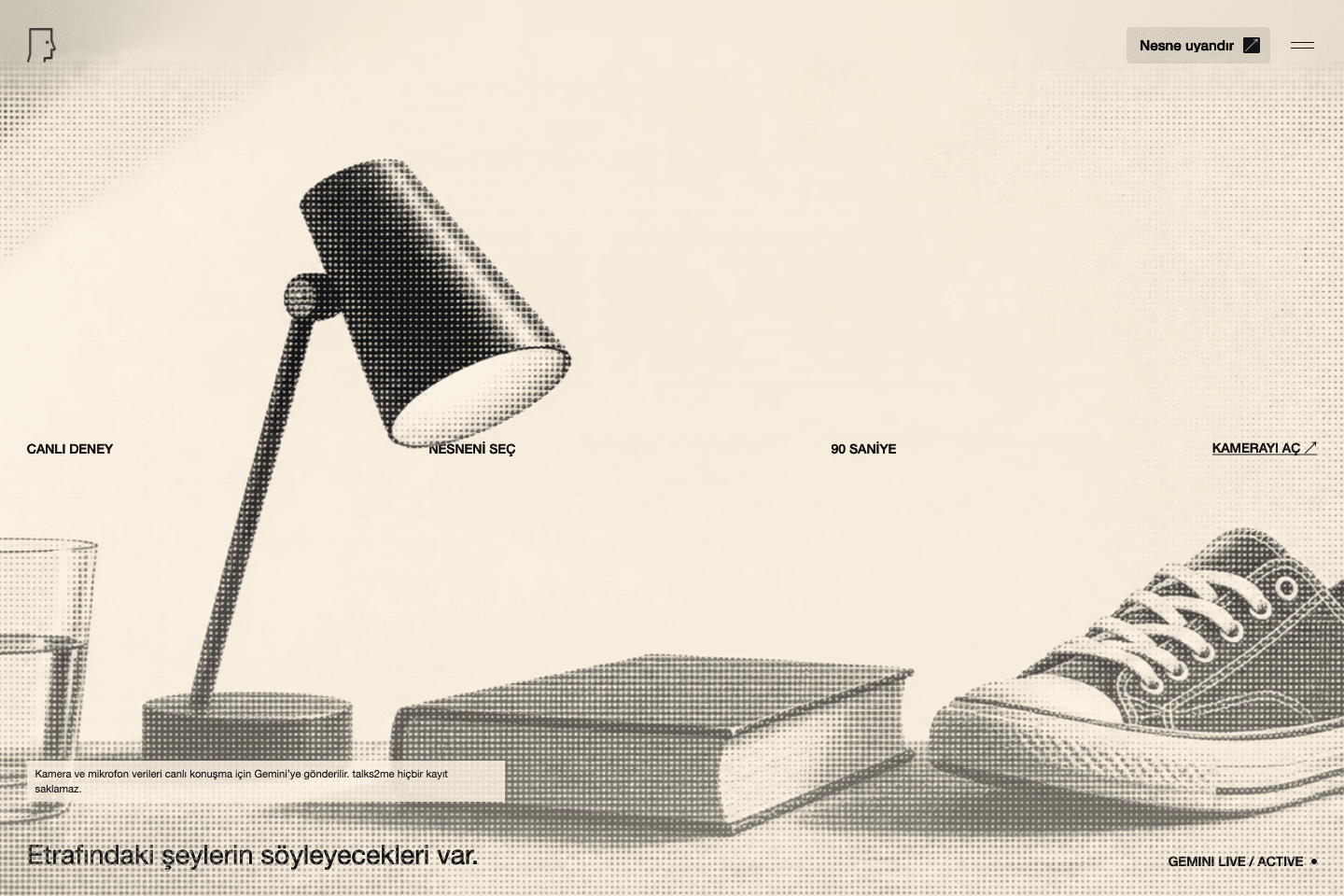
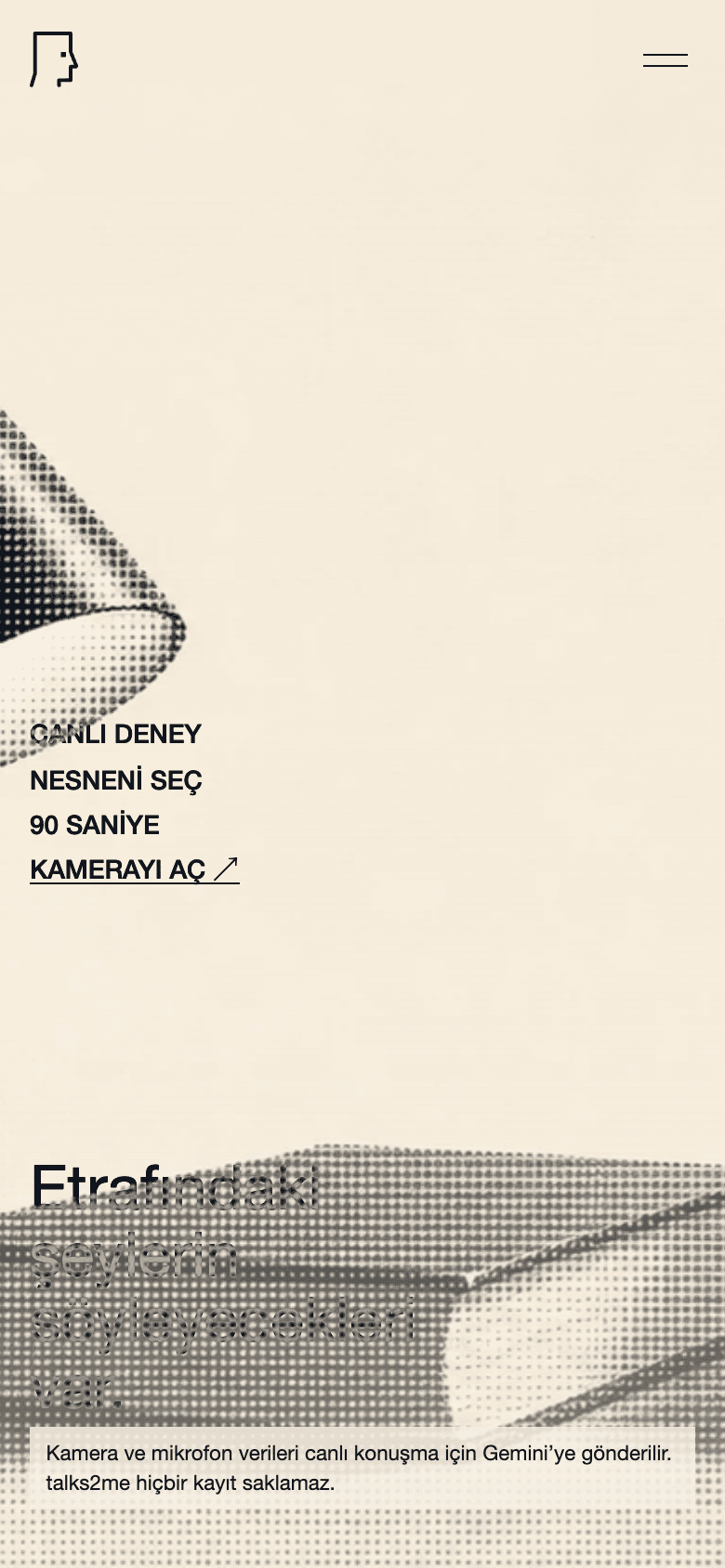
The main screen creates atmosphere rather than describing the product: everyday object, brief promise, single action.
Not chat, short live encounter
talks2me came from a simple idea: the user points the camera at an object, the object sees itself, gets into its role and responds with voice. I designed this not like a classic AI chat interface, but like a short camera-centered performance.
The product is a one-page Vite/React experience. The backend side produces short-lived tokens only for Gemini Live. No images, audio or transcripts are stored; Media traffic is not carried through the server.
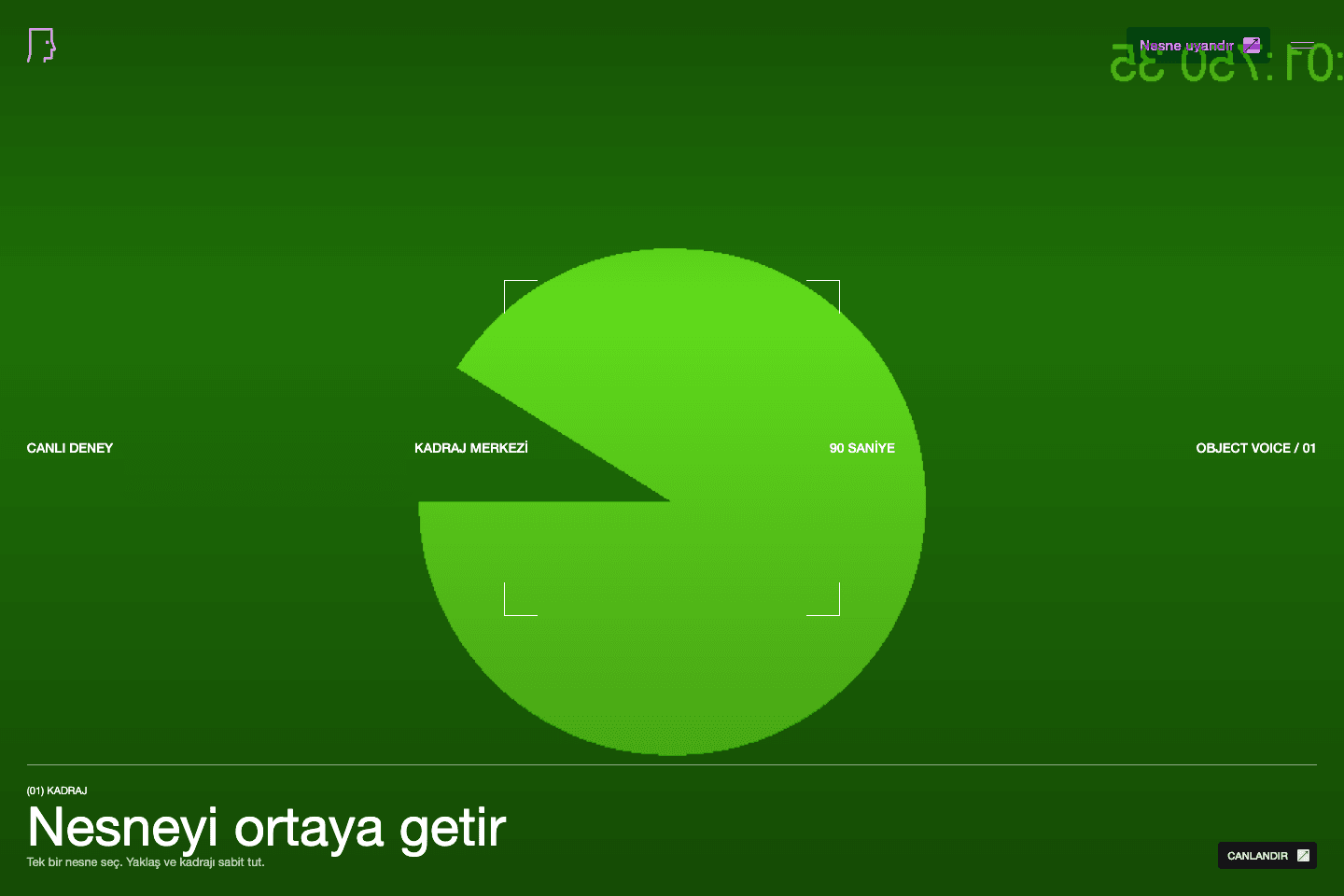
The product flow revolves around a single state: turn on the camera, bring the object to the center, animate.
His technical choice was to shorten the chain
I did not set up separate object detection, speech-to-text, LLM and text-to-speech chains. This meant more integration, more delays, and more breakpoints. Instead, Gemini Live became the only multimodal speech engine.
The client turns on the camera, captures the first frame as a 512x512 JPEG and starts the live session. Instead of constantly streaming video in subsequent conversation rounds, an updated frame is sent when the user enters a new conversation round. Thus, the experience remains visual, but traffic and cost do not grow open-ended.
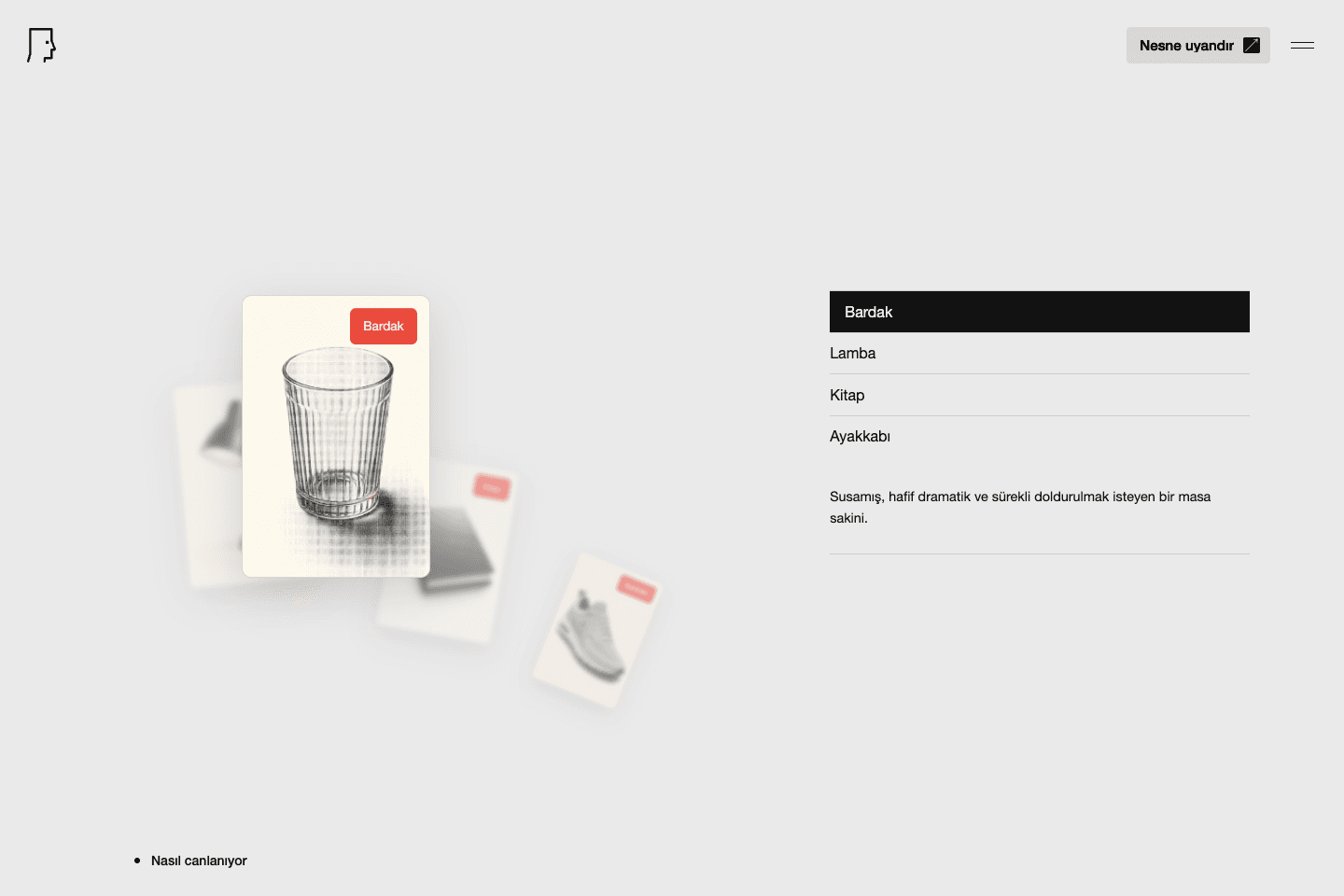
Object examples show the product's main claim: the model is not the general assistant, but the character of the object in the frame.
Prompt contract was part of product quality
I tied the object's behavior into a clear contract within the prompt: it will speak Turkish, stay in the first person, will not describe itself as an AI/assistant, will use visible details and will not try to solve general tasks.
This boundary was important; because the point of the product is not to show a strong model, but to make a physical object feel alive for a short time. This is why I used reticle, live status, short subtitles and session timer instead of chat balloons.
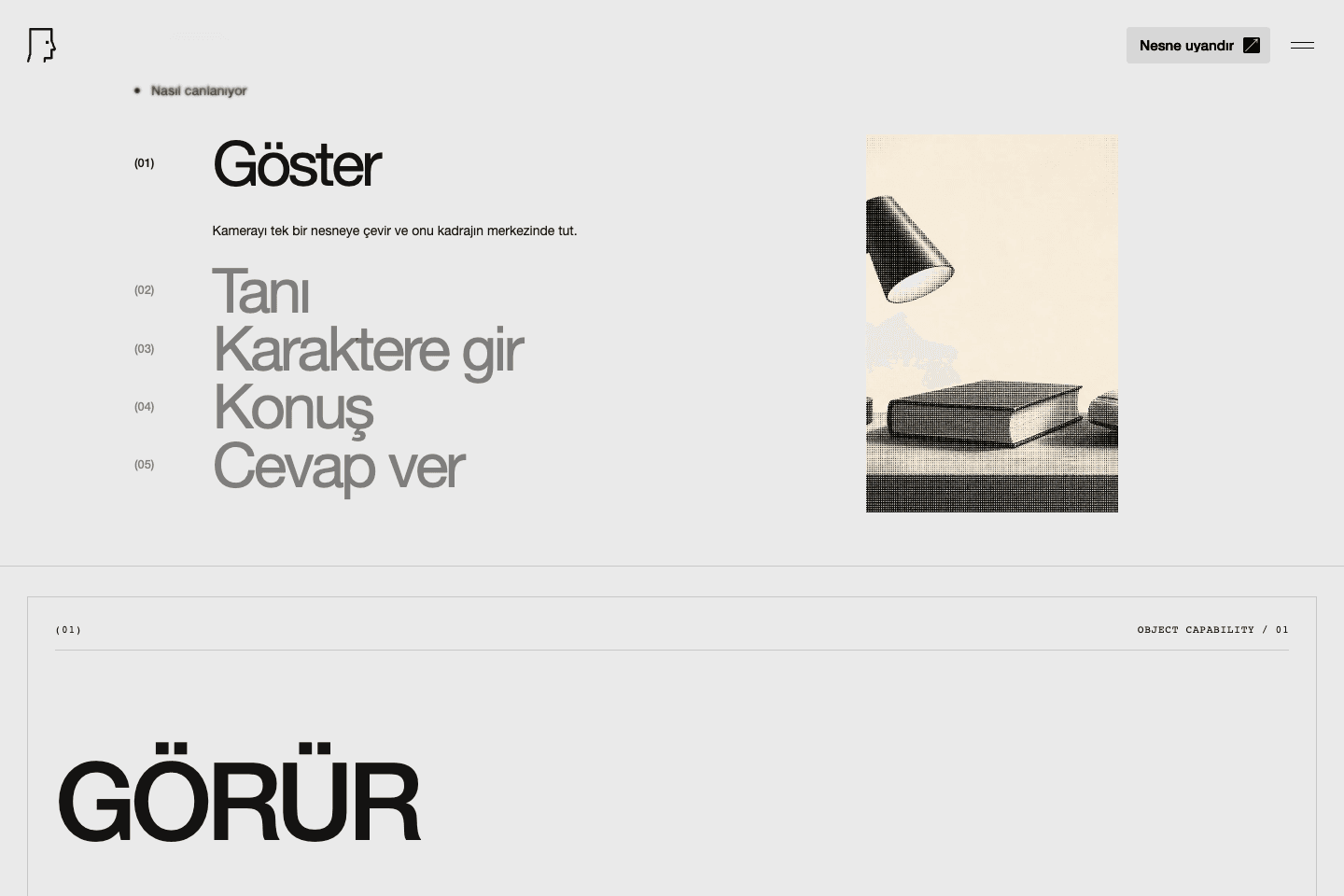
The technical story remains simple within the UI: show, recognize, enter character, speak, respond.
How to work with agents
I progressed this project not by having AI agents generate random code, but by dividing it into small and verifiable pieces. First, I put the product behavior and limits in writing. Then I verified the token endpoint, session state, PCM conversion, speech-turn detection, live connection and UI state fields separately.
The important thing for me here is not to have used an agent; The aim was to use the agent as a working mechanism that makes decisions more visible and testable, rather than as a shortcut that blurs decisions.
Mobile hero keeps the camera action and privacy limit on the same initial surface.
Current status
The project runs in production environment: talks2me.olusemre.dev. Local test suite, build, production token endpoint and sitemap verified.
Live API token generation was verified in this content pack, but the end-to-end audio Gemini conversation with the actual physical object was not manually repeated. Camera-ready screenshot taken with fake camera stream; so it shows the product flow but not a real object image or model response.