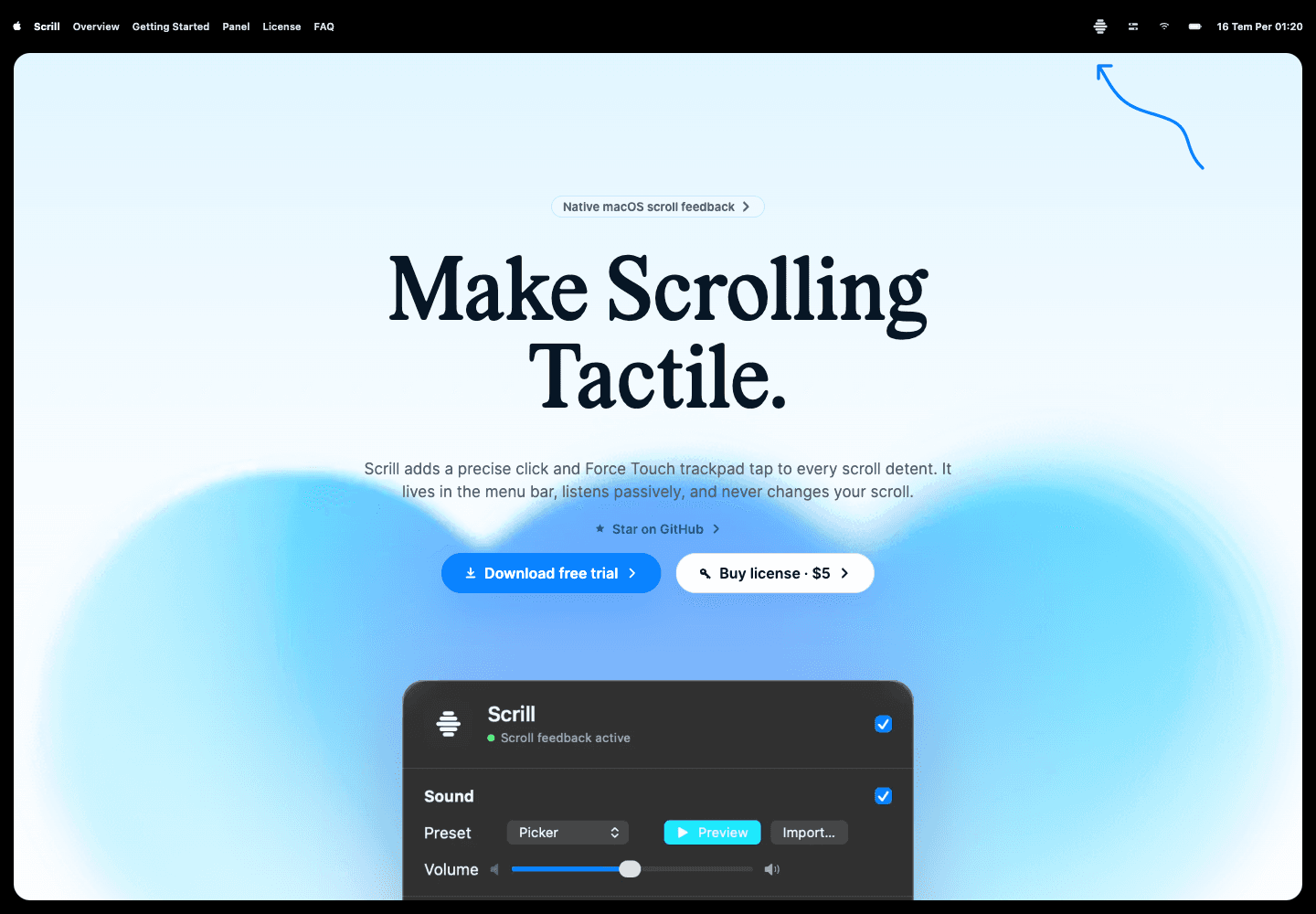
Scrill behaves like a small utility: its promise is clear, the control surface is visible, the marketing does not hide it.
Small visible system level utility
I designed Scrill to be a macOS companion app with one job: to provide a more physical, more controlled feel when scrolling. The application lives in the menu bar, listens passively to scroll events, and leaves the scroll made by the user to the target application.
The problem here wasn't just adding sound to the scroll. The application should not change the scroll, should not collect content or keyboard data, the sound should not overlap and disturb during fast scrolling, and the user should be able to control the feel with small adjustments when necessary.
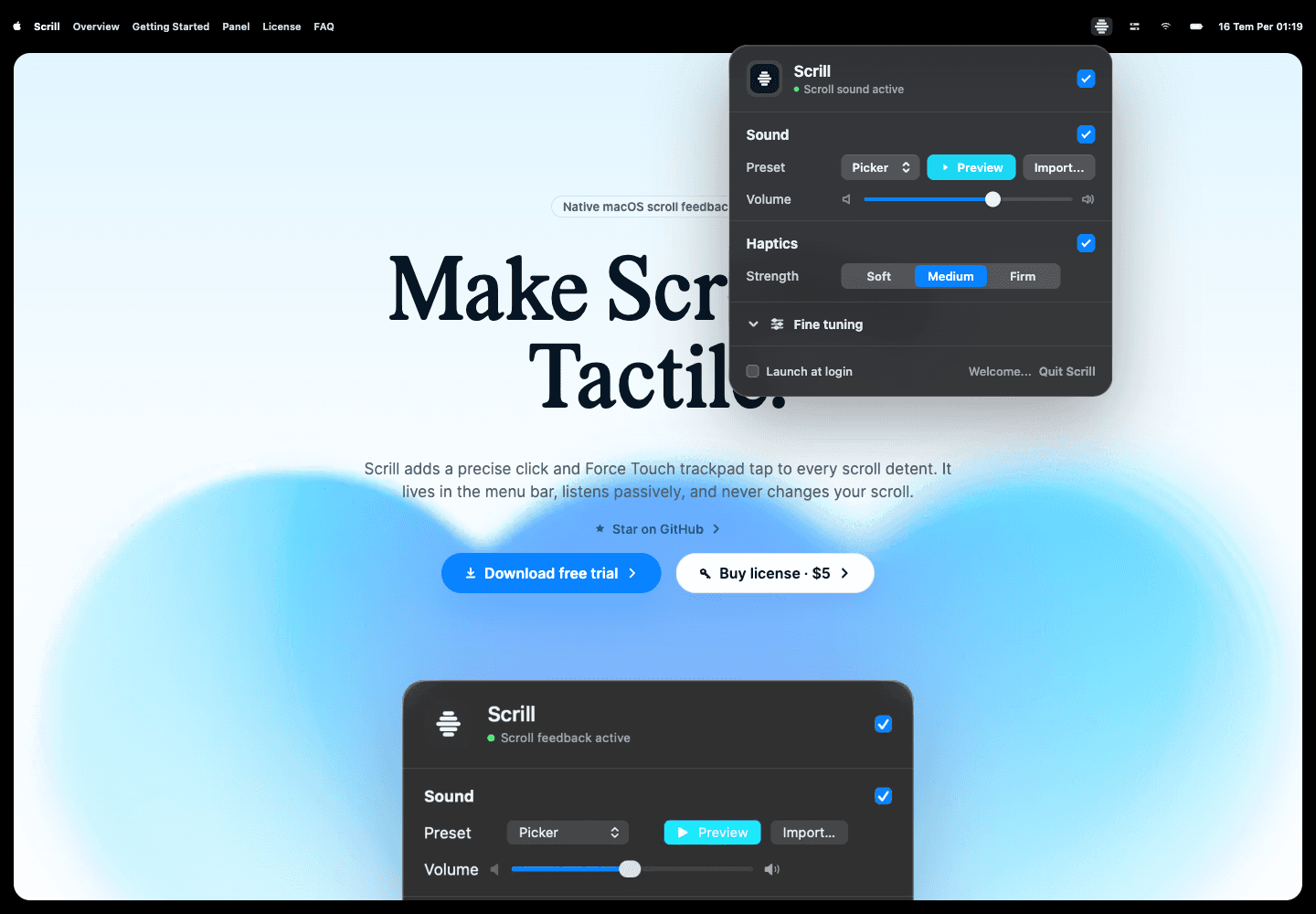
The main product screen is a single panel: active status, sound, haptics, tuning and launch-at-login.
Listen-only event tap and detent engine
I did not make the product a full-screen app, account panel or a constantly visible interface. The right place was a small control surface that ran in the background and opened when needed.
On the technical side, I used listen-only event tap for scroll events. Scrill captures the scroll but does not prevent the event from going to the target application. I handled the continuous trackpad delta and discrete mouse wheel notch behaviors separately and transferred them to the same detection engine; detection threshold, mouse multiplier and burst limits can be adjusted from the panel.
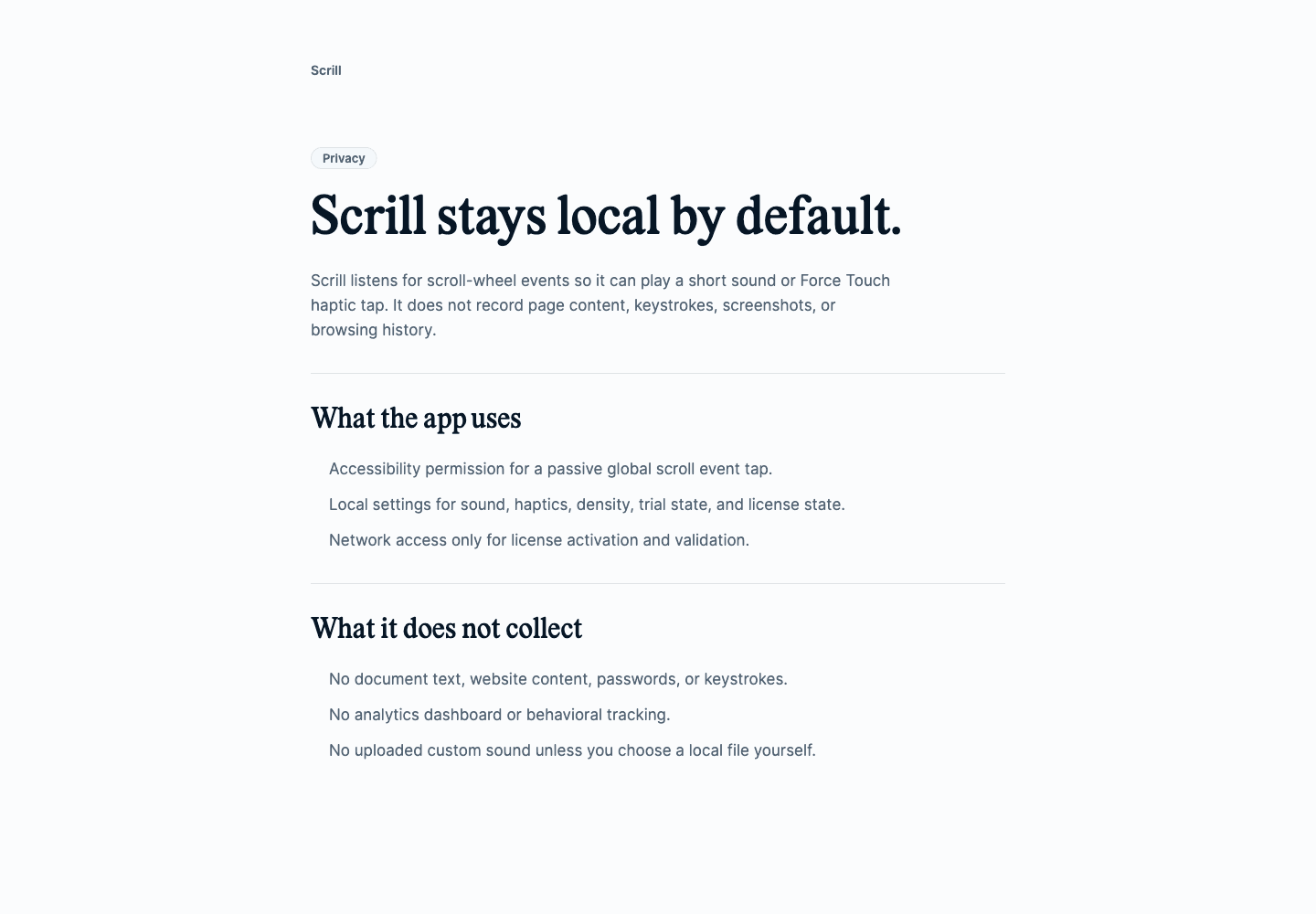
The Trust surface clearly states the technical limits of the product: permissions, no content/keyboard capture.
Audio, haptics and distribution limits
I kept the audio and haptic side independent from each other. The user can use only voice, only haptic or both. I used a multiplayer pool to prevent a single audio player from swallowing new triggers during fast scrolling; I limited the overlapping by lowering the volume on sounds playing at the same time.
To access the Force Touch trackpad actuator on the Haptic side, the actuator is opened via MultitouchSupport. This decision is consistent with distributing the product as a direct signed Mac download rather than through the App Store; because the target is a small, near system level utility.
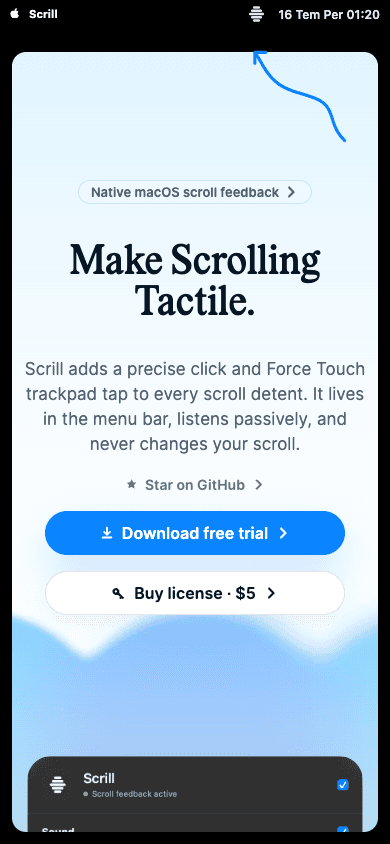
The product panel and main promise are preserved in the mobile view.
Current status
Native app build and tests are working. There is signed app bundle and DMG output in the repo. The landing site is live on Vercel with the domain scrill.olusemre.dev.
The verified part is Swift tests, release build, Next production build, live landing route, favicon, robots, sitemap, privacy and screenshots. This round, the actual Lemon Squeezy purchase flow, notarization result, and direct OS-level screenshot of the native menu bar panel have not been re-verified.